A customer wants to change their pre-order item, how do I do this?Updated 4 months ago
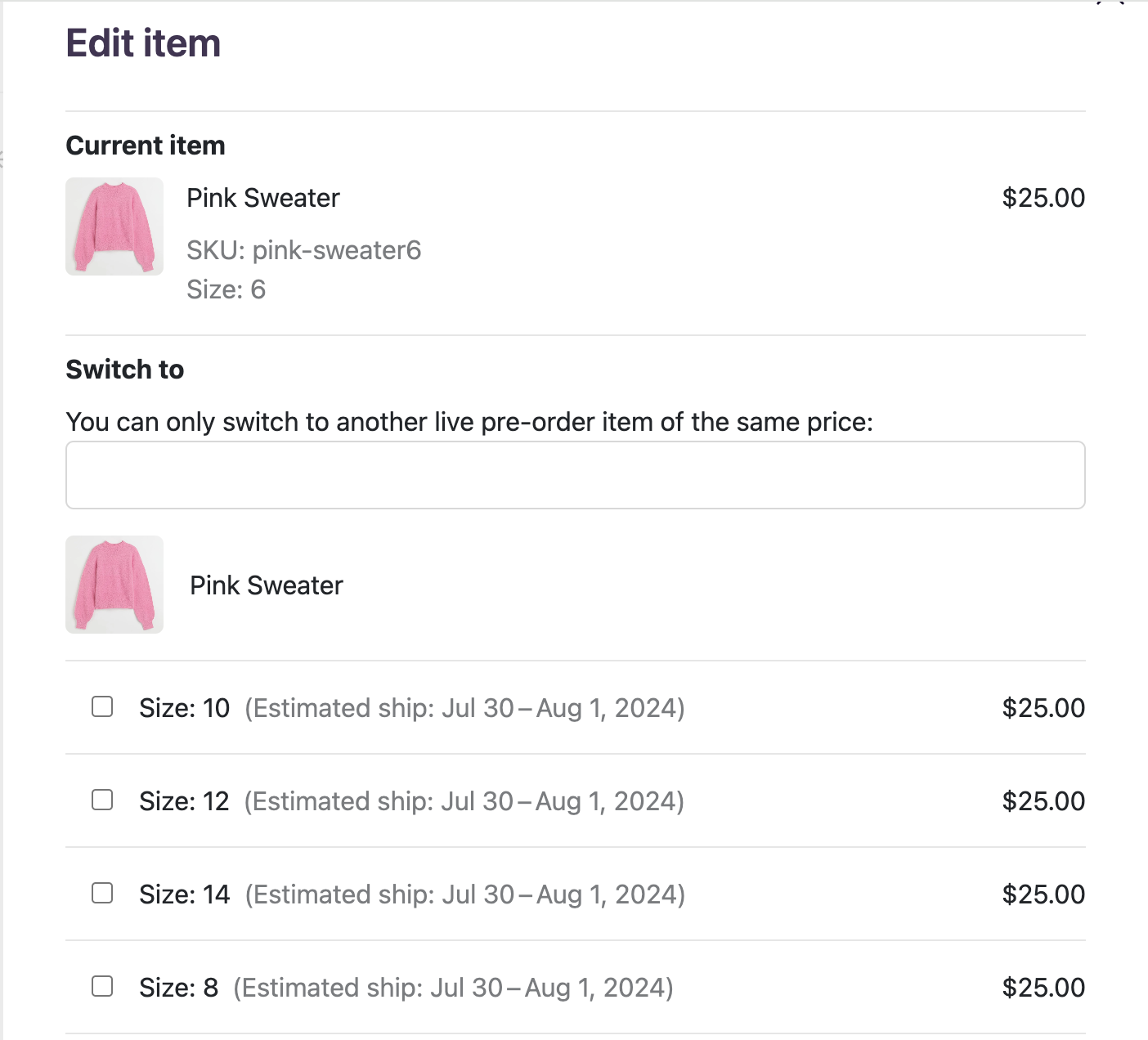
If a customer wants to modify their pre-order, such as changing the size or variant or swapping it for another available item, you can do so on their pre-order confirmation page, as long as they are the same price and there is an open waitlist!
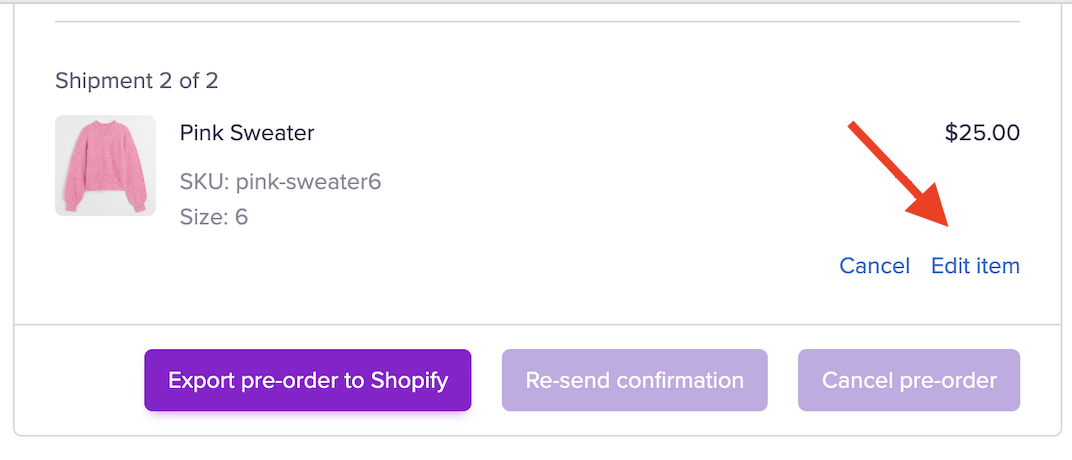
Head to the Pre-order tab on the left-hand side dashboard. Click the Edit item button under the line item.
 It will bring up a window where you can select a new variant to switch the item to. It will only show available and in-stock items. Don't forget to click save.