How to use Klaviyo with Purple DotUpdated a month ago
Shopify stores
How you need to use Purple Dot with Klaviyo software depends on whether Purple Dot is integrated into your Shopify store as separate checkout or as a payment provider inside Shopify's checkout. See more here to learn about these two options.
As payment provider inside Shopify checkout
Nothing custom required here. The same events/tracking that already works for your regular sales will work for pre-orders also.
As separate checkout
First, head to the Integrations page in your Purple Dot merchant portal to enable the Klaviyo integration.
Once enabled, Purple Dot can trigger flows inside your Klaviyo that let you do custom email and sms marketing campaigns for pre-order shoppers just as you are able to do them for in-stock shoppers.
Purple Dot does not configure or manage those flows or emails directly, brands typically handle that themselves so everything stays aligned with their existing marketing strategy and creative.
Purple Dot does 3 useful things, all powered by these setting fields
How to track conversion/revenue from pre-orders
If "Send an event when shoppers place a new pre-order" is turned on then Purple Dot will send to Klaviyo an event with the specified name every time some shopper buys a pre-order through the Purple Dot checkout. That event gives a lot of information about what has been purchased, see the event description here.
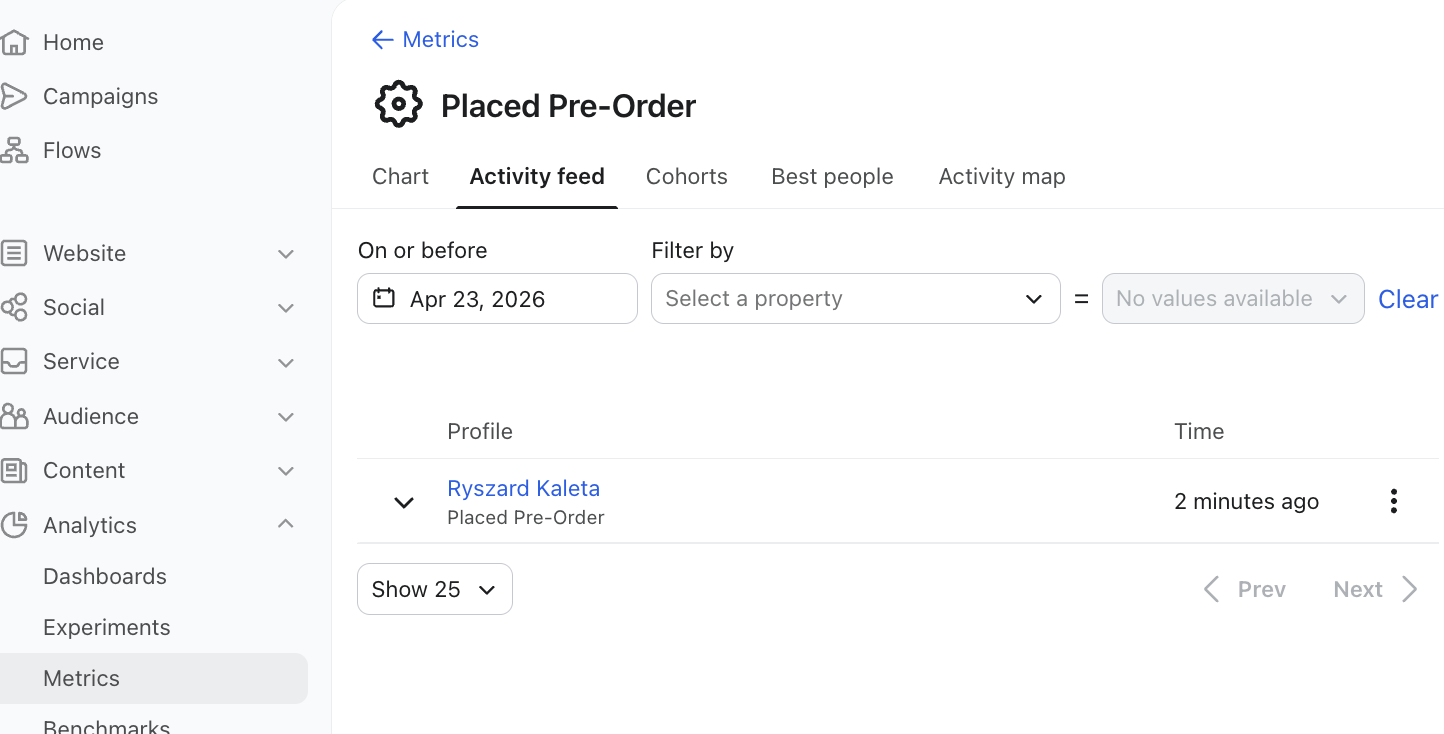
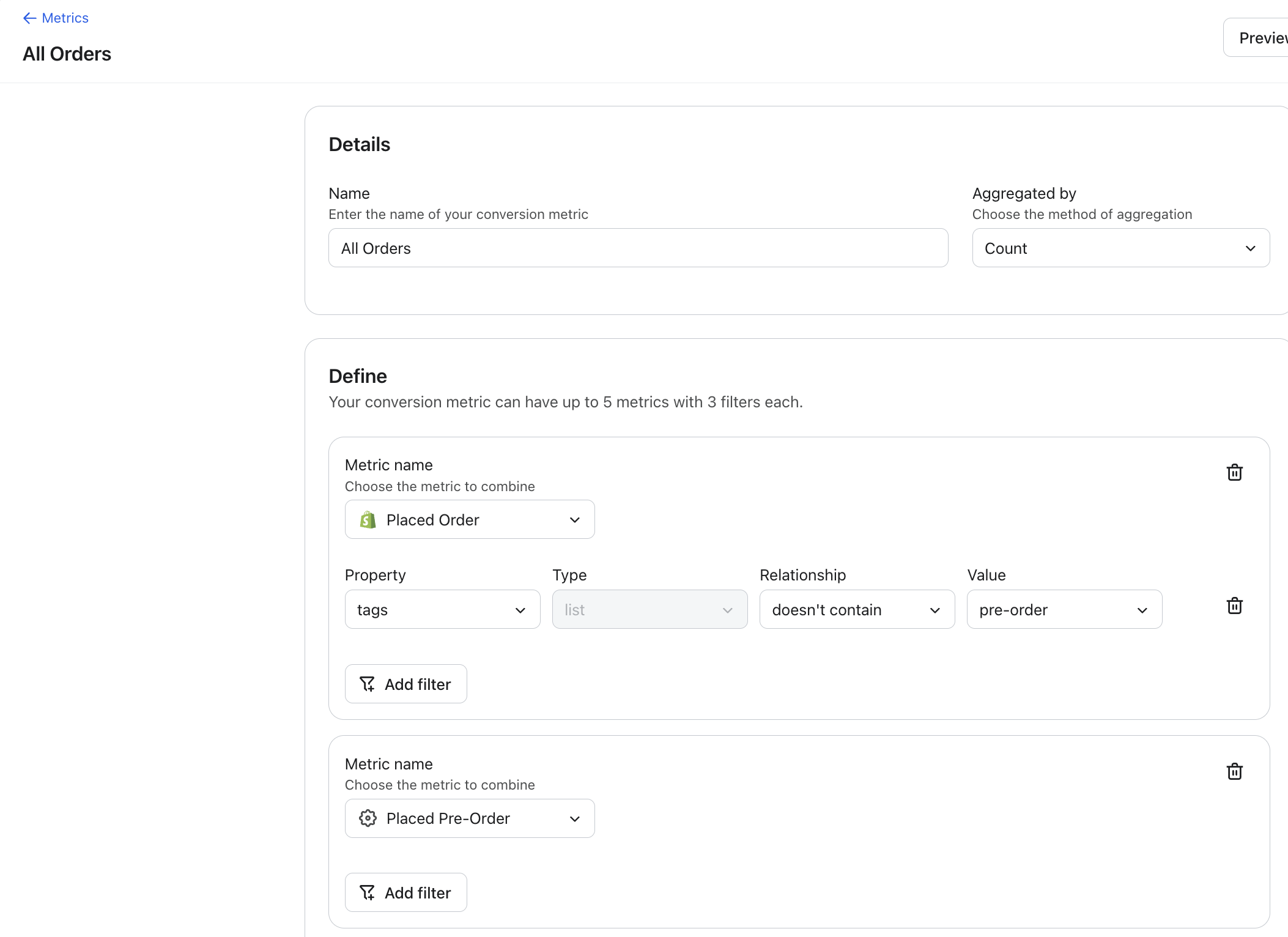
You can then - inside Klaviyo - combine this "Placed Pre-Order" event with the "Placed Order" event emitted by Shopify for regular sales to track all sales with a single metric. Make sure to exclude pre-orders from the Shopify metric so you're not double counting them when the pre-orders export to Shopify upon fulfillment.
How to run email marketing flows
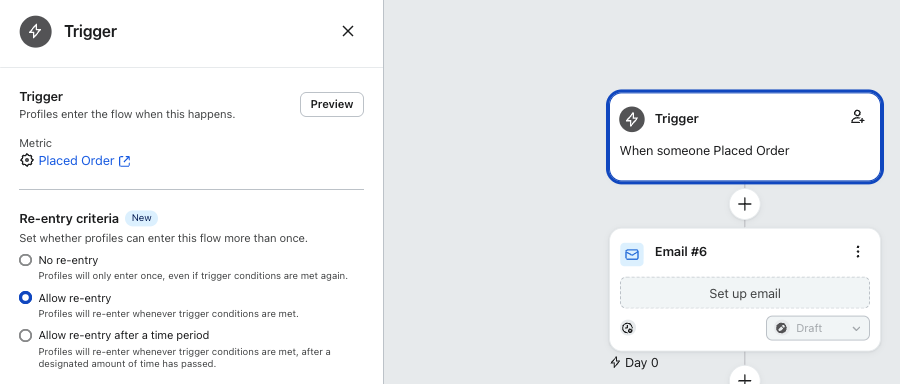
A pre-order purchase can trigger the same email flows as a regular Shopify order purchase. Just make sure the trigger metric is "<cog> Placed Order" and that the name of the event in Purple Dot Klaviyo settings is also "Placed Order":
How to run SMS marketing flows
If the Private API key from above is filled out AND further up the Integrations settings the collection of sms marketing consent is turned on:
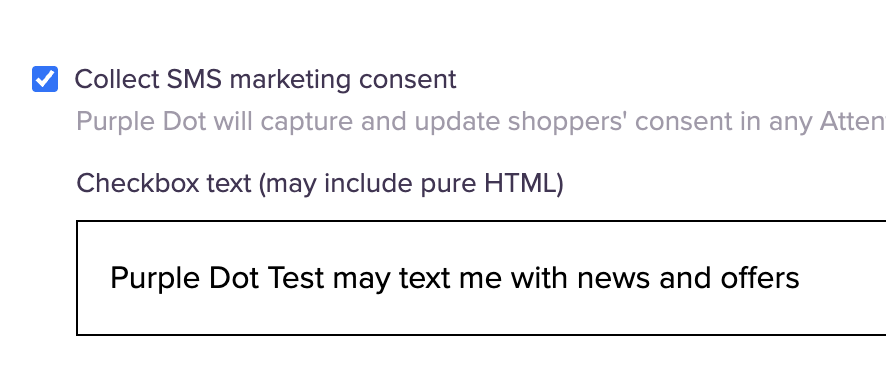
Then Purple Dot's checkout will show the sms marketing consent box:
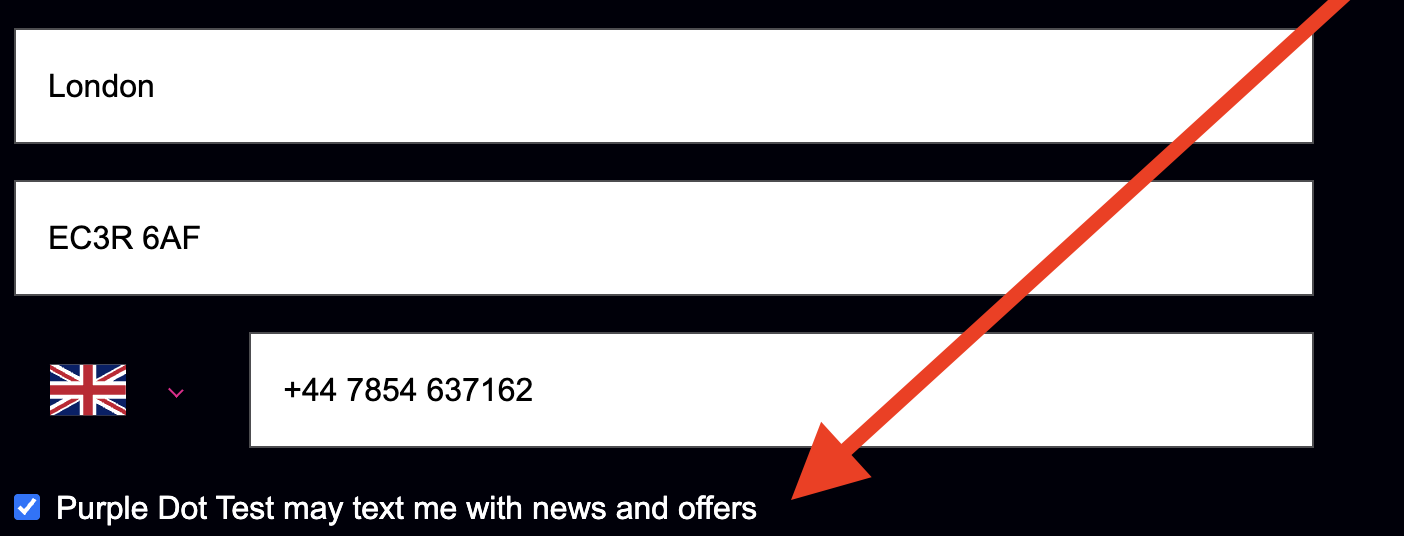
and if the shopper gives consent AND they actually go on to purchase the pre-order, Purple Dot will either create or update their profile inside your Klaviyo as "sms subscribed".
This will then activate any Klaviyo flows where someone getting subscribed to sms marketing is the trigger:
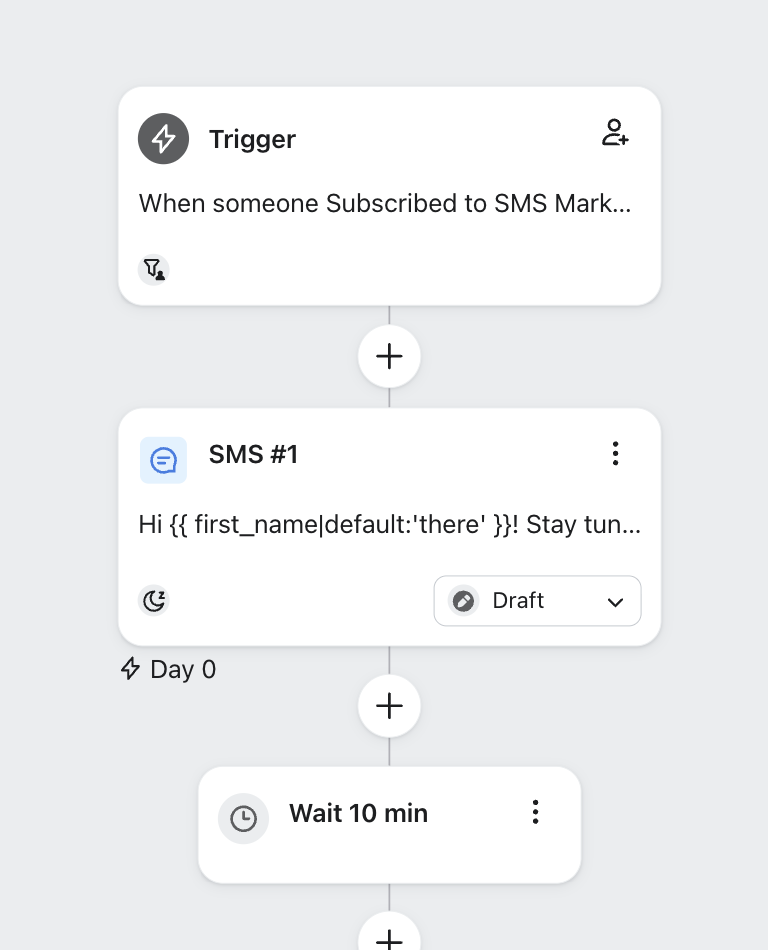
How to run SMS campaigns
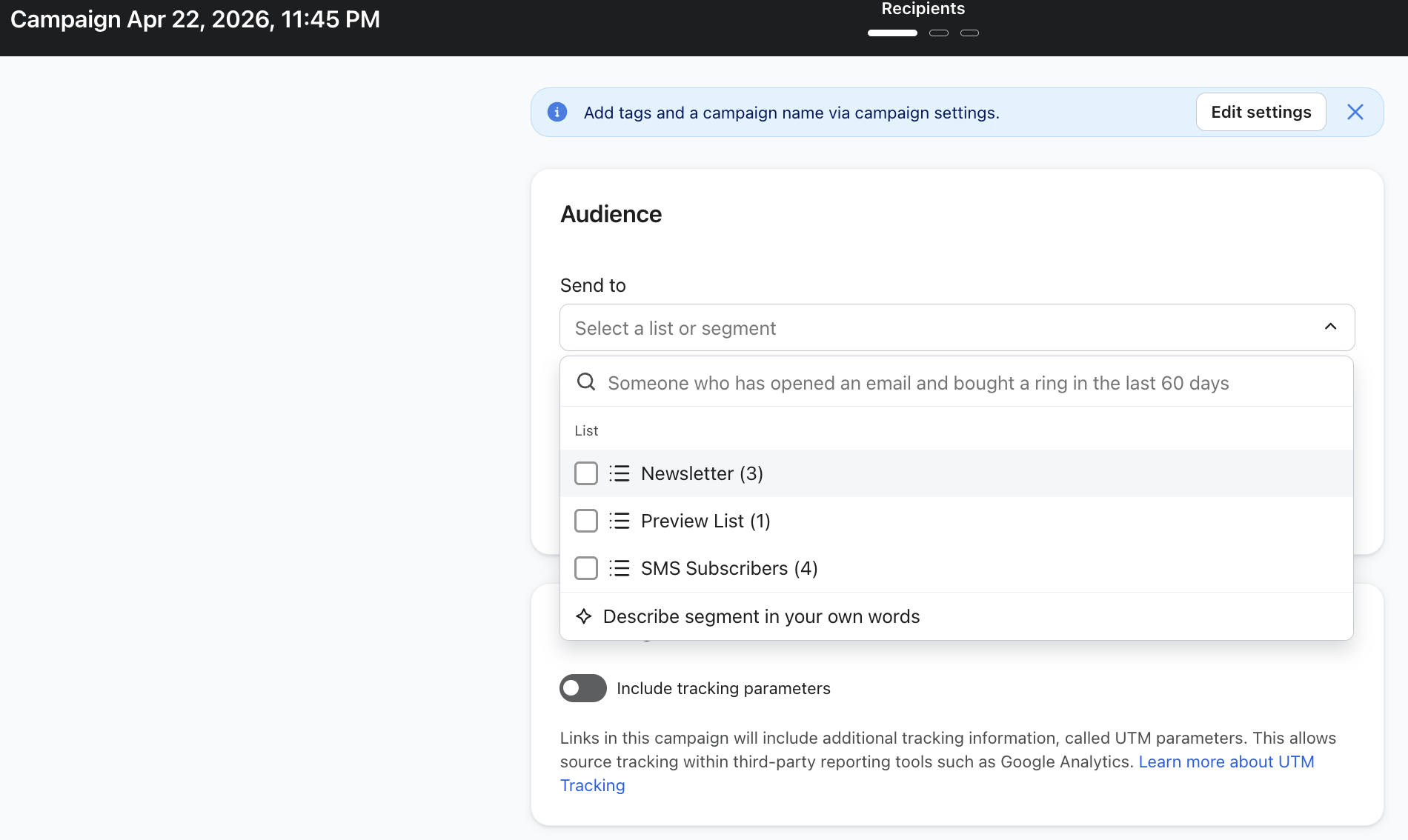
If "Subscribe shoppers to this SMS list when they pre-order" is enabled and the shopper gave consent then Purple Dot will automatically add this shopper's phone number to the specified list.
Having shoppers on a list is useful because it allows you to run e.g. a one-off sms marketing campaign that targets everyone who gave sms consent in the past.