
Pre-order Report: How do a I download a subset of pre-order?Updated 5 months ago
1.) On the Pre-orders tab of your dashboard, filter by your requisite criteria. For example, the screenshot of the filter below will show all open pre-orders placed between 7/31 - 8/30.

Note, you can filter by:
- First Name
- Last Name
- PD Reference
- Shipping Country
- SKU
- Product Name
2.) Click Download pre-orders

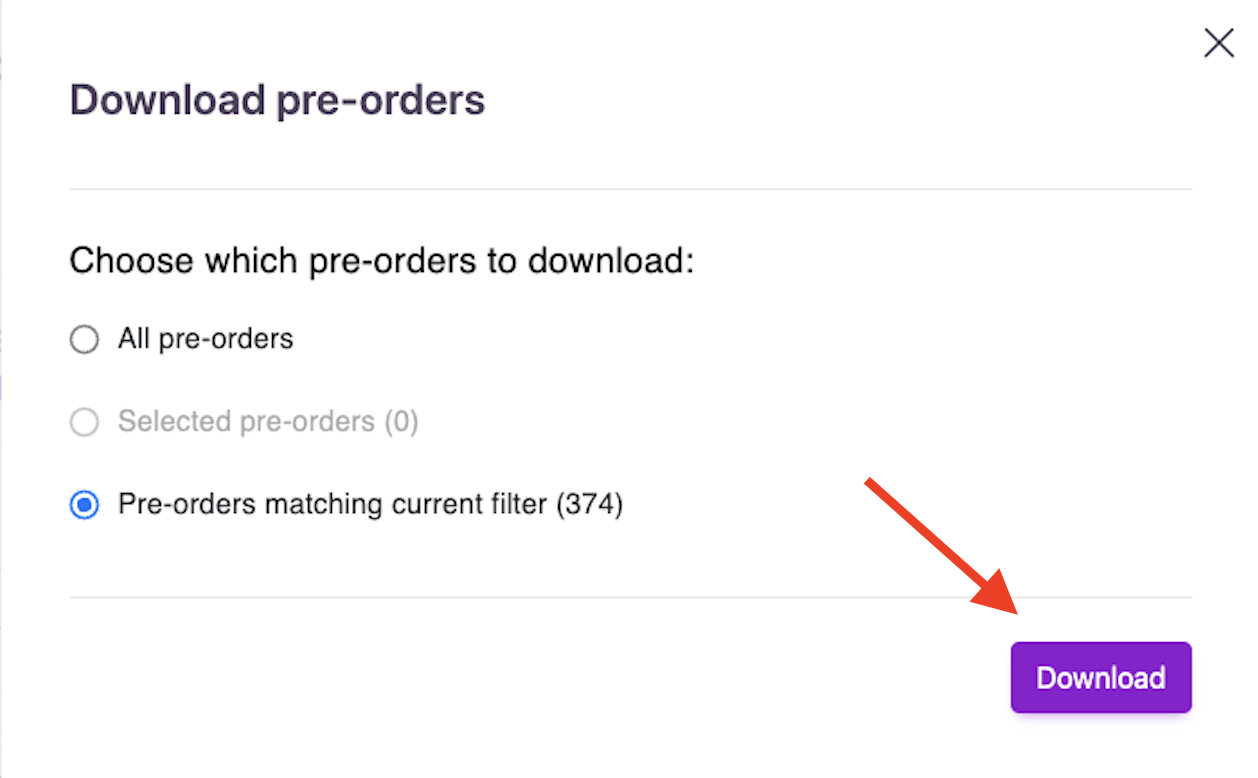
3.) Make sure the Pre-orders matching current filter toggle is selected, and click download.
Your report should download in your browser in a few seconds. If you request a large set of data, an email link will be sent to you.