What emails does a customer receive in their full pre-order journey?Updated a month ago
All emails from name: [Your brand name] via Purple Dot
All emails reply-to address is: [email protected]
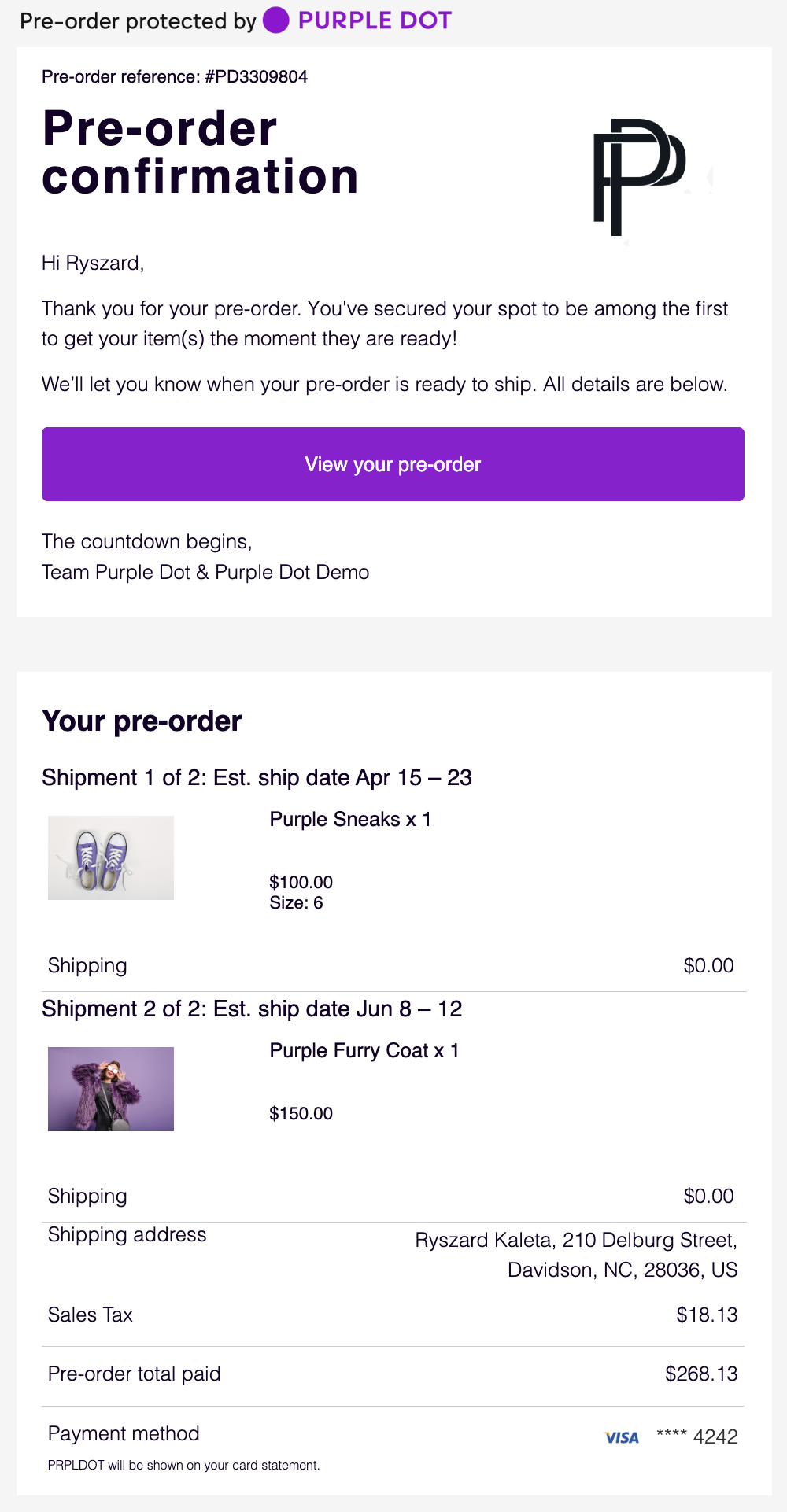
Pre-order Confirmation Email
Optional: No
Trigger: Immediately after pre-order has been placed
Subject: [Your brand name] Pre-order Confirmation for #PD12345
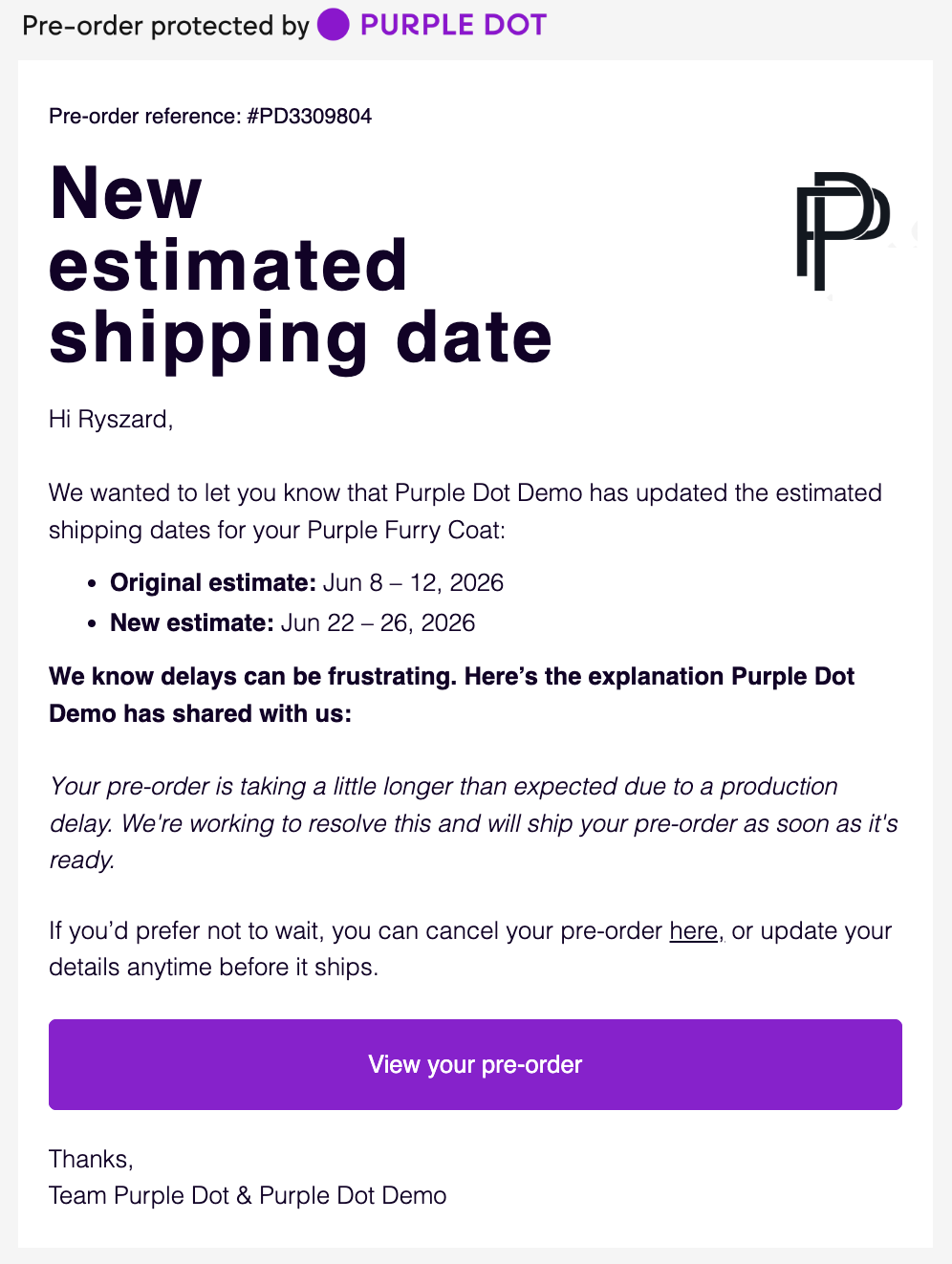
New Estimated Shipping Date Email
Optional: No (unless bringing dates forward)
Trigger: When estimated ship dates are amended in the waitlist
Subject: [Your brand name] updated estimated date for Pre-order #PD12345
The italics "explanation" is dynamic text, based on the reason selected for the delay:
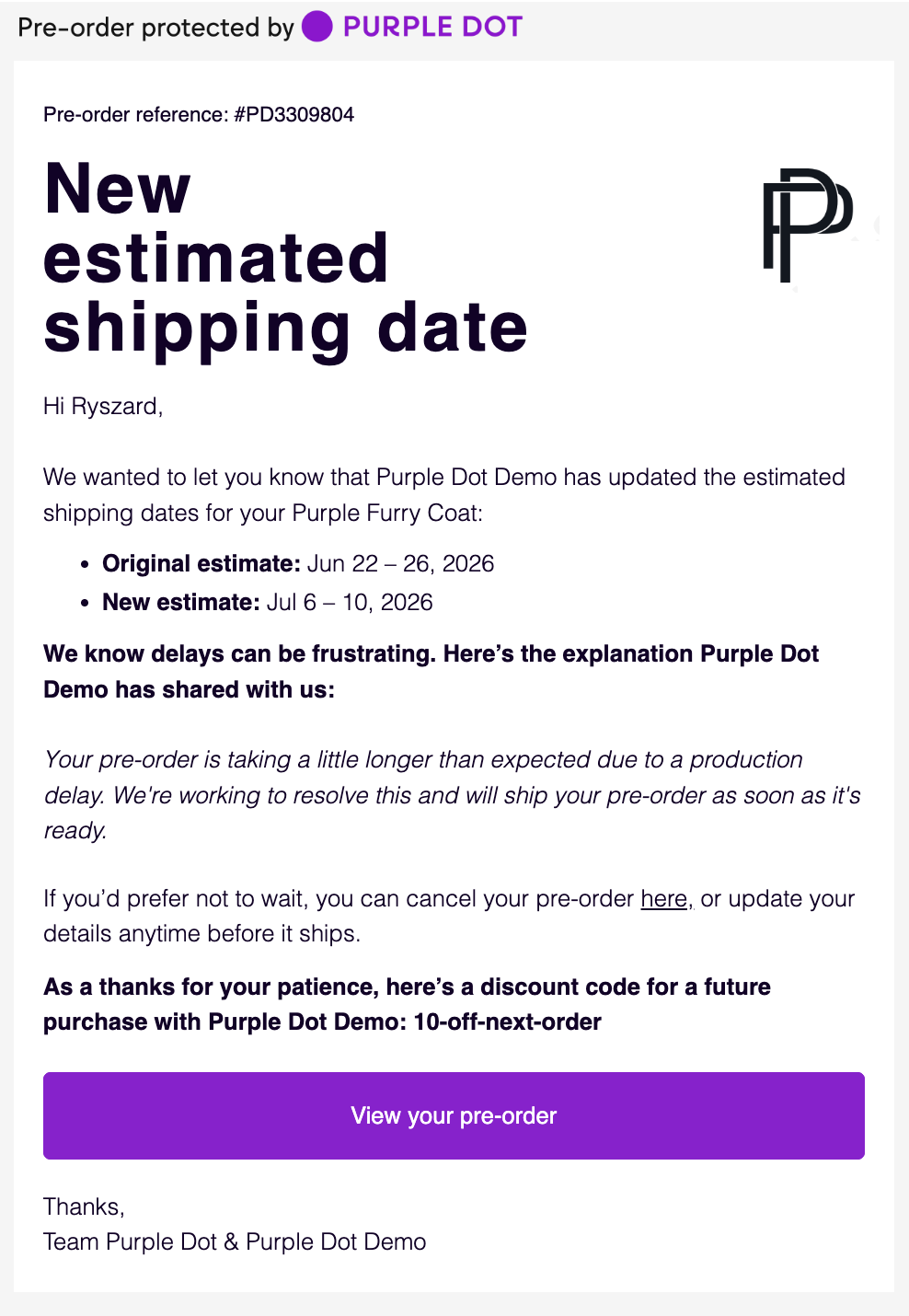
If you also opt to include a discount code for shoppers by way of an apology for the delay, we'll add this to the bottom of the email:
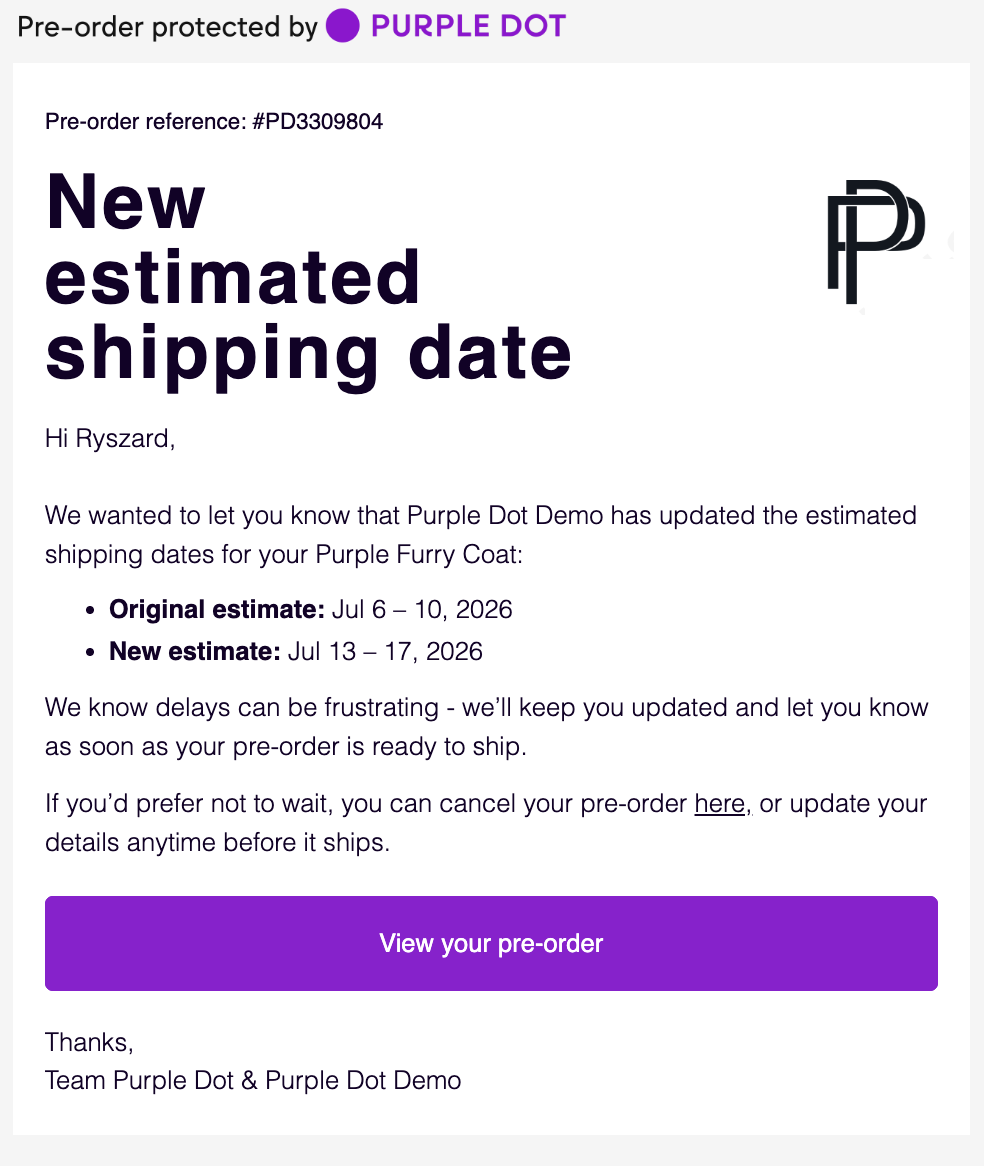
If you opt not to share a delay reason with the shopper, the email will look like this:
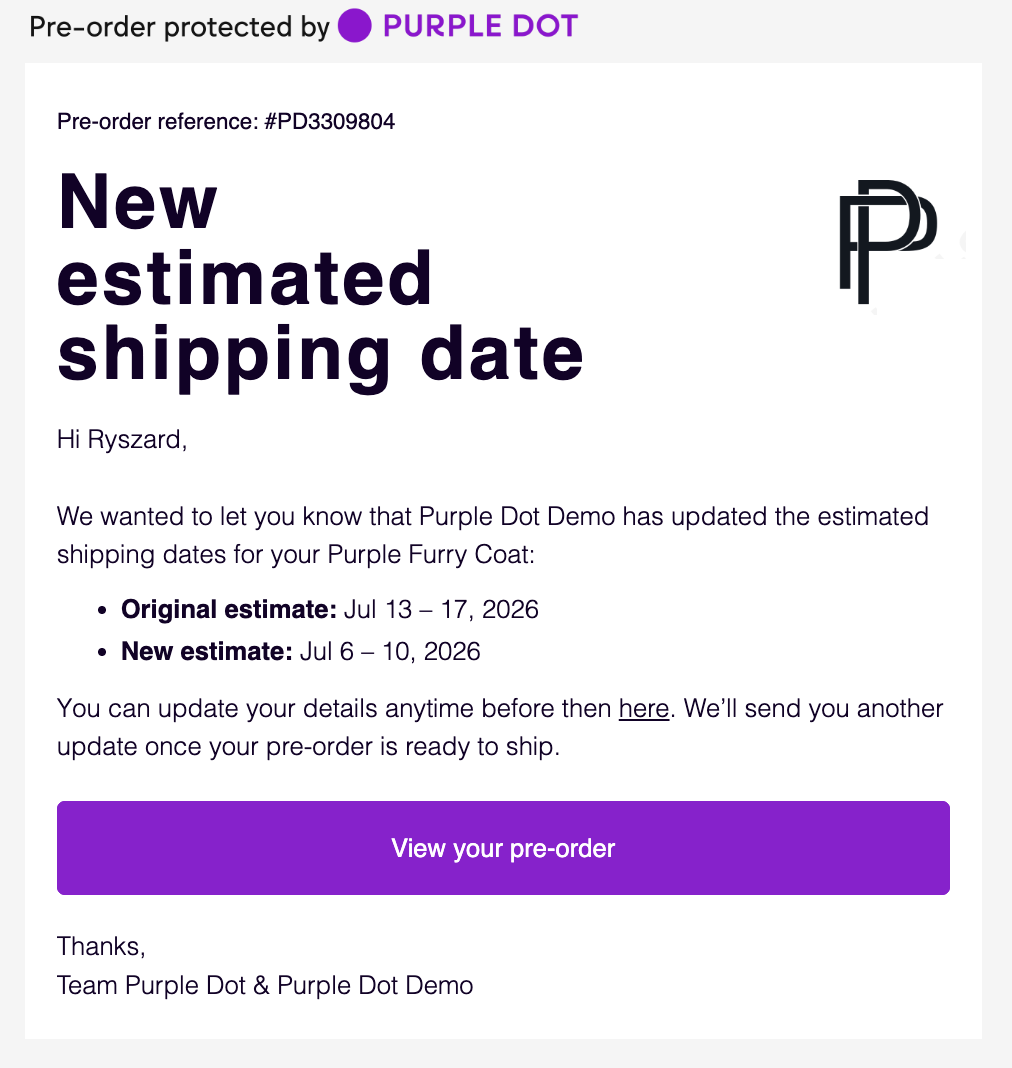
If you are bringing dates forward (so not delayed), it will look like this:
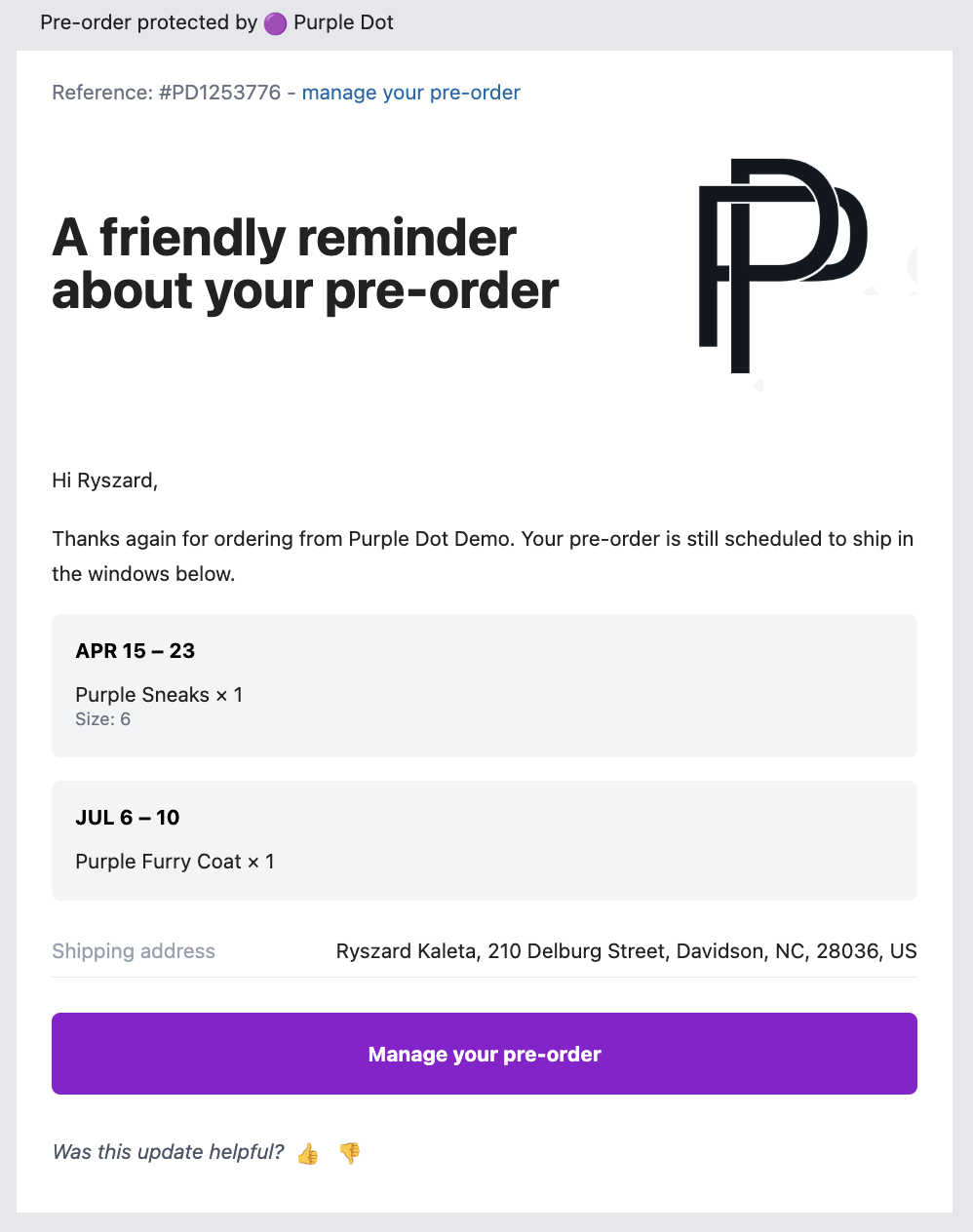
Shipping Dates Reminder Email
Optional: No
Trigger: Half way between pre-order purchase date and the earliest estimated ship date
Subject: A friendly reminder about your pre-order
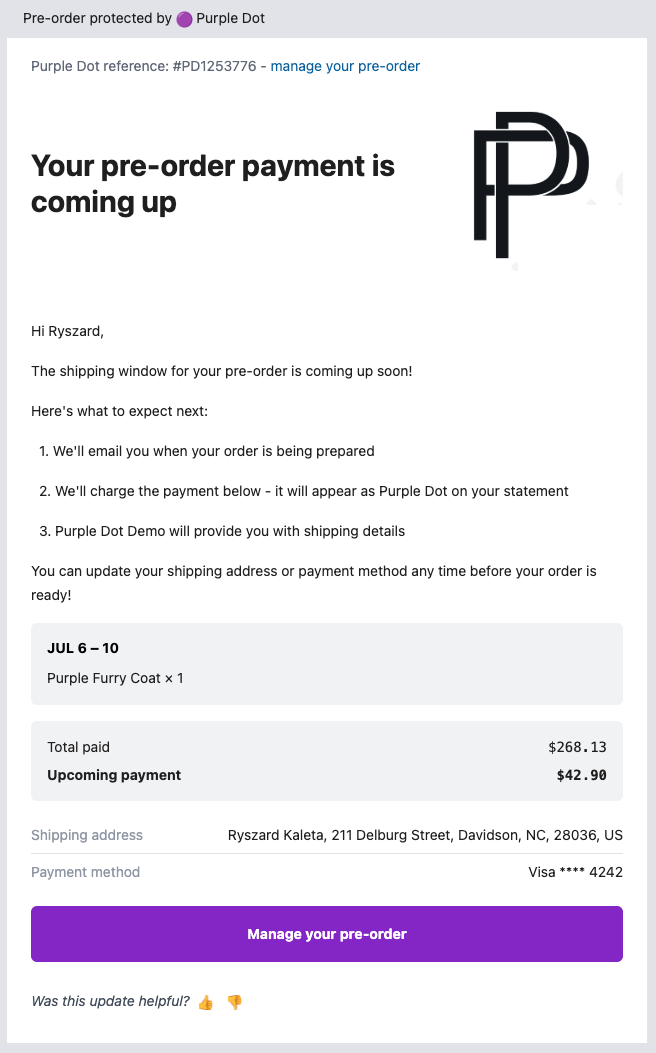
Pre-order Shipping Soon Email
Optional: No
Trigger: A short while before the earliest estimated ship date of the next shipment coming up
Subject: Your pre-order payment is coming up
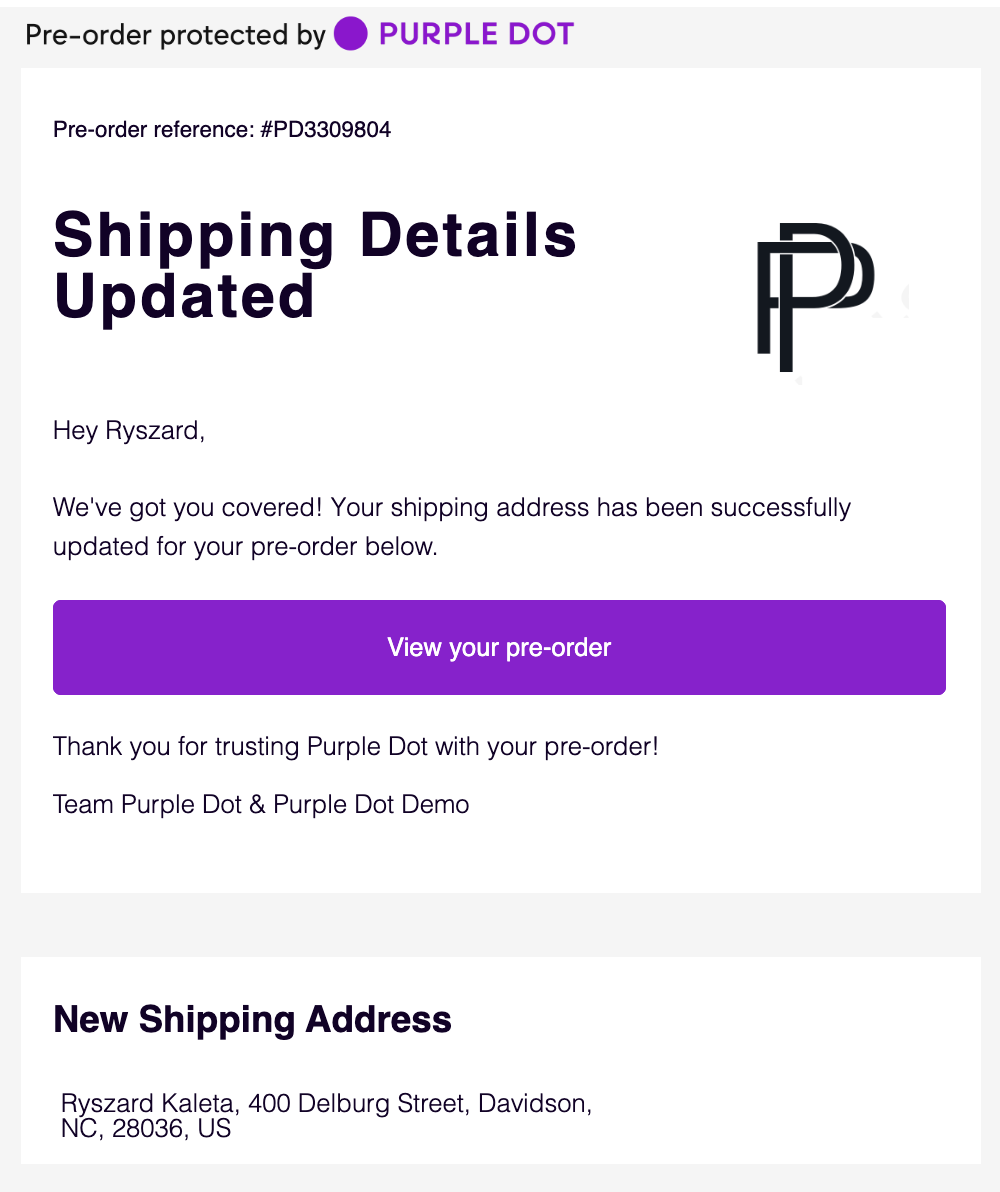
Pre-order Shipping Details Updated Email
Optional: No
Trigger: Immediately after pre-order has been updated
Subject: Shipping Details Updated for [Your brand name] Pre-order #PD12345
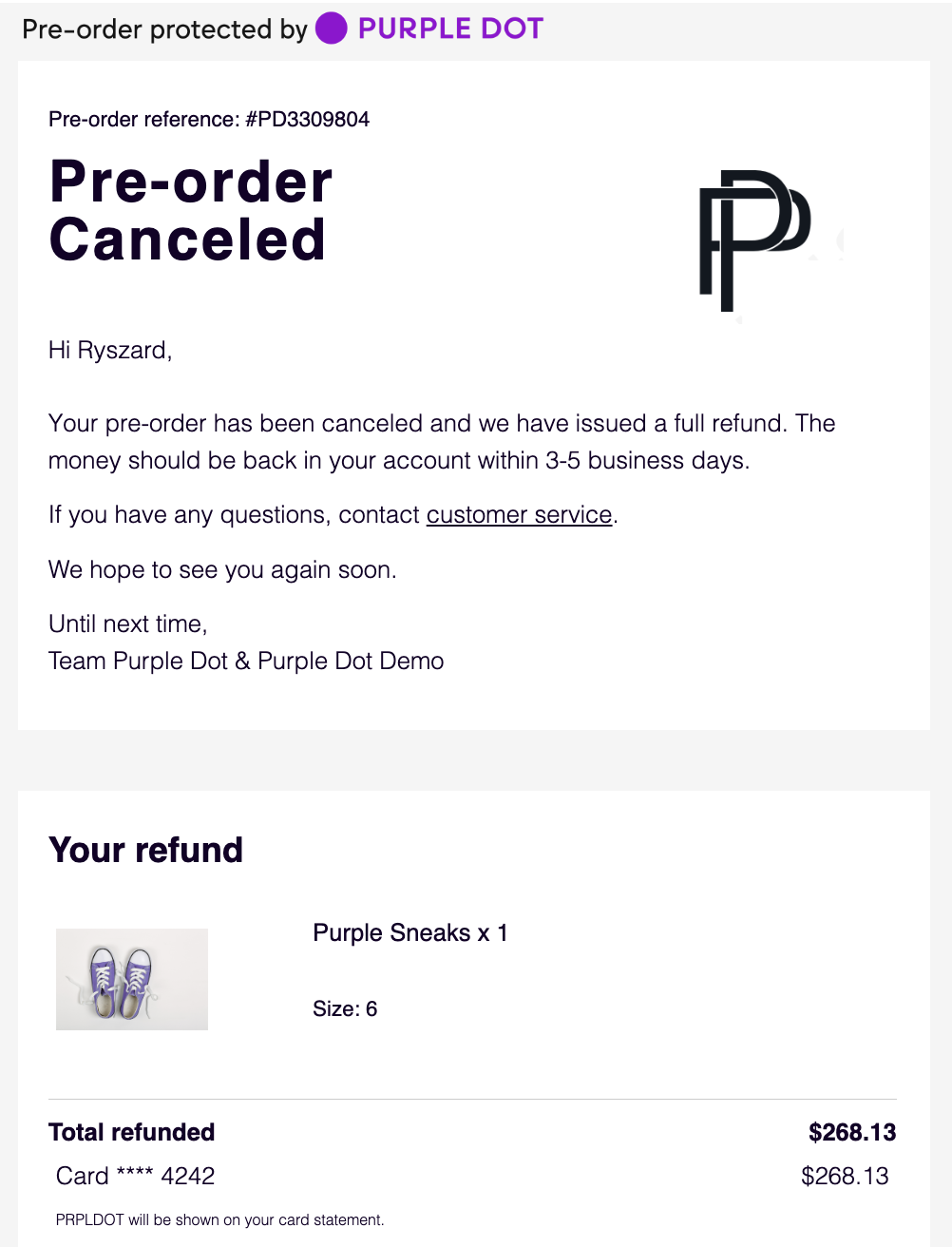
Pre-order Canceled Email
Optional: No
Trigger: Immediately after pre-order has been canceled
Subject: [Your brand name] Pre-order #PD12345 Canceled
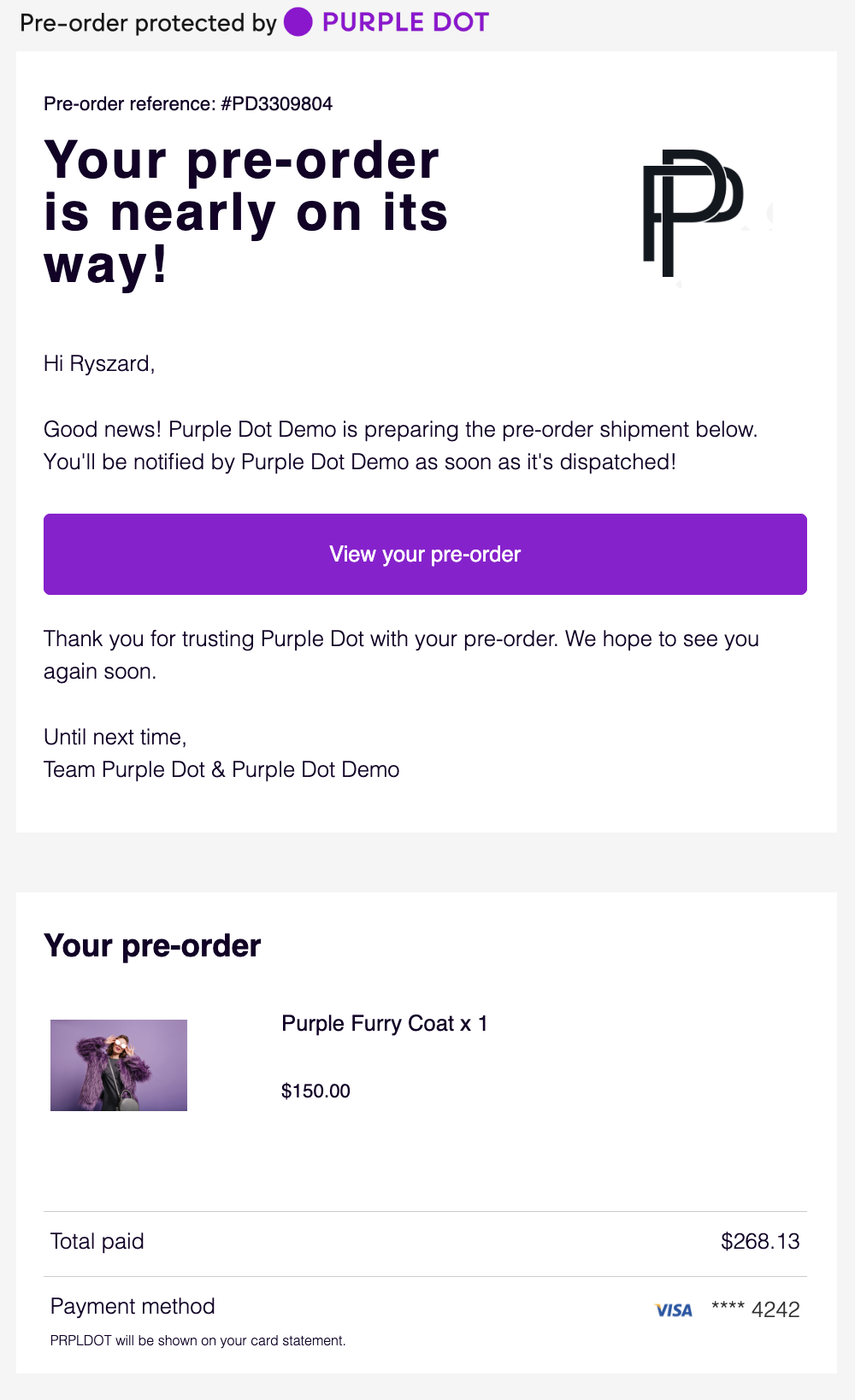
Pre-order Shipping Soon Email
Optional: No
Trigger: Immediately after you export the order
Subject: [Your brand name] is preparing your pre-order #PD12345
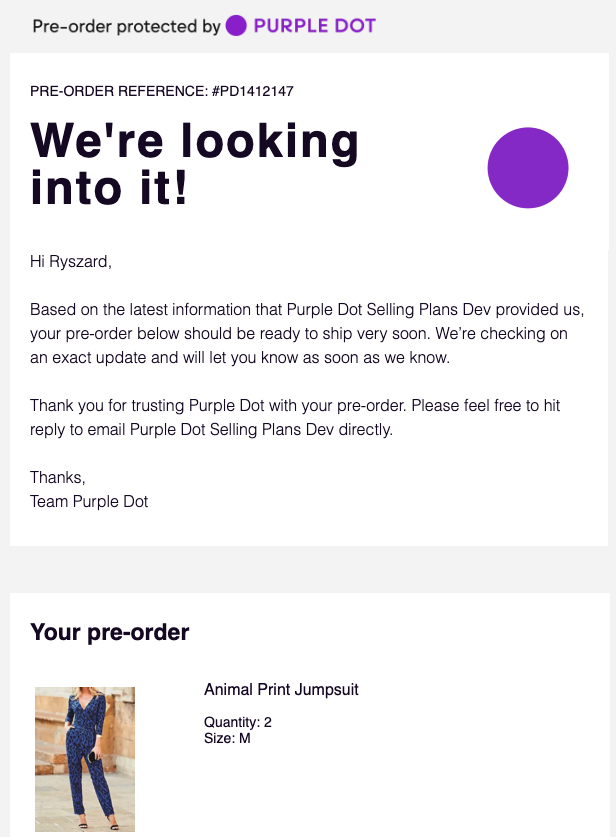
Pre-order Late Email
Optional: No
Trigger: 1 day after some shipment was due
Subject: We're checking on your pre-order with [Your brand name] for #PD12345
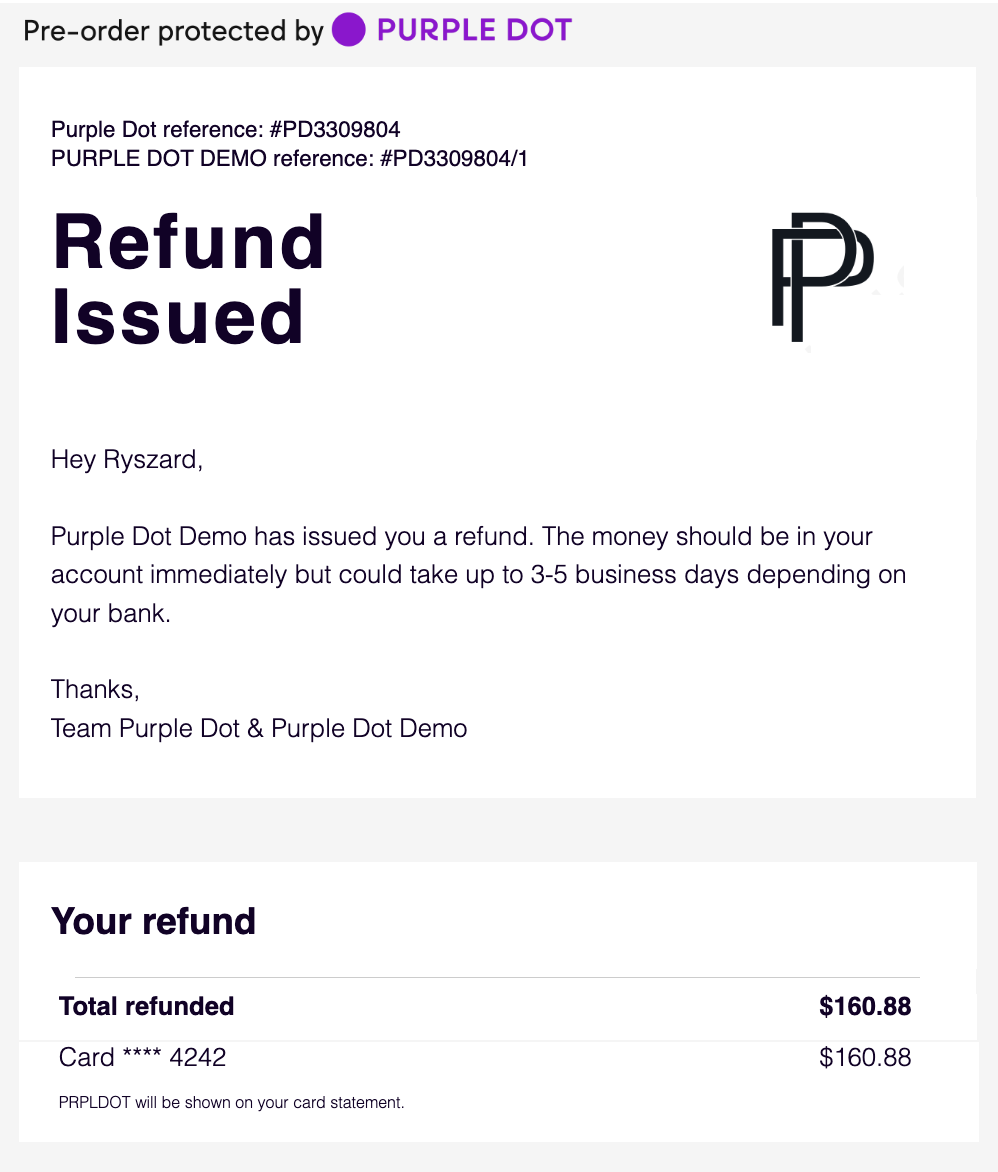
Pre-order Refund Email
Optional: No
Trigger: Immediately after you refund either in the PD dashboard or via Shopify
Subject: [Your brand name] Pre-order #PD12345 Refund Issued
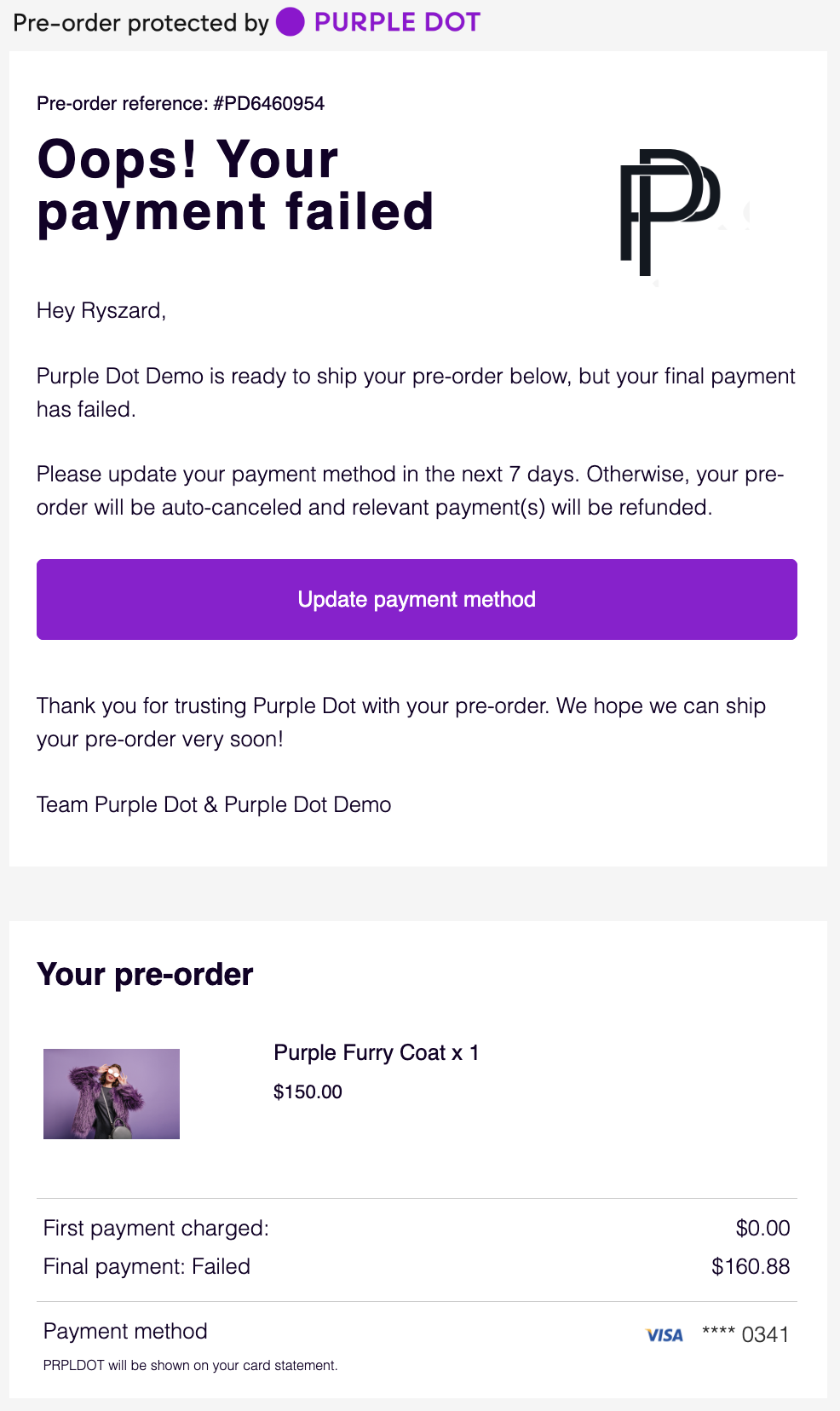
Pre-order Payment Failed Email
Optional: No
Trigger: Immediately after pre-order payment has failed
Subject: Payment failure: Action required for [Your brand name] Pre-order #PD12345
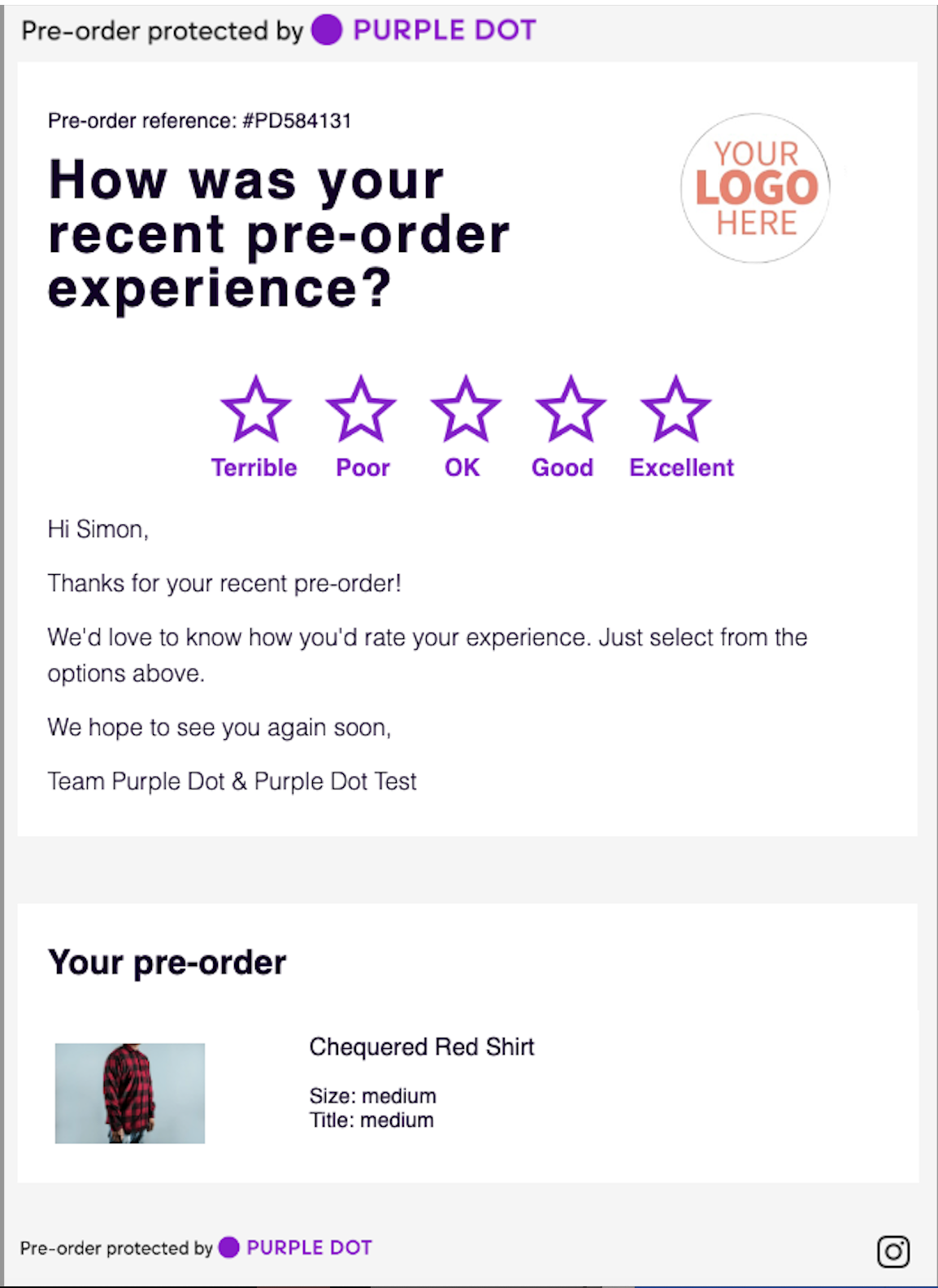
Pre-order CSAT Email
Optional: No
Trigger: Once delivery of the pre-order has been completed
Subject: How was your pre-order experience?
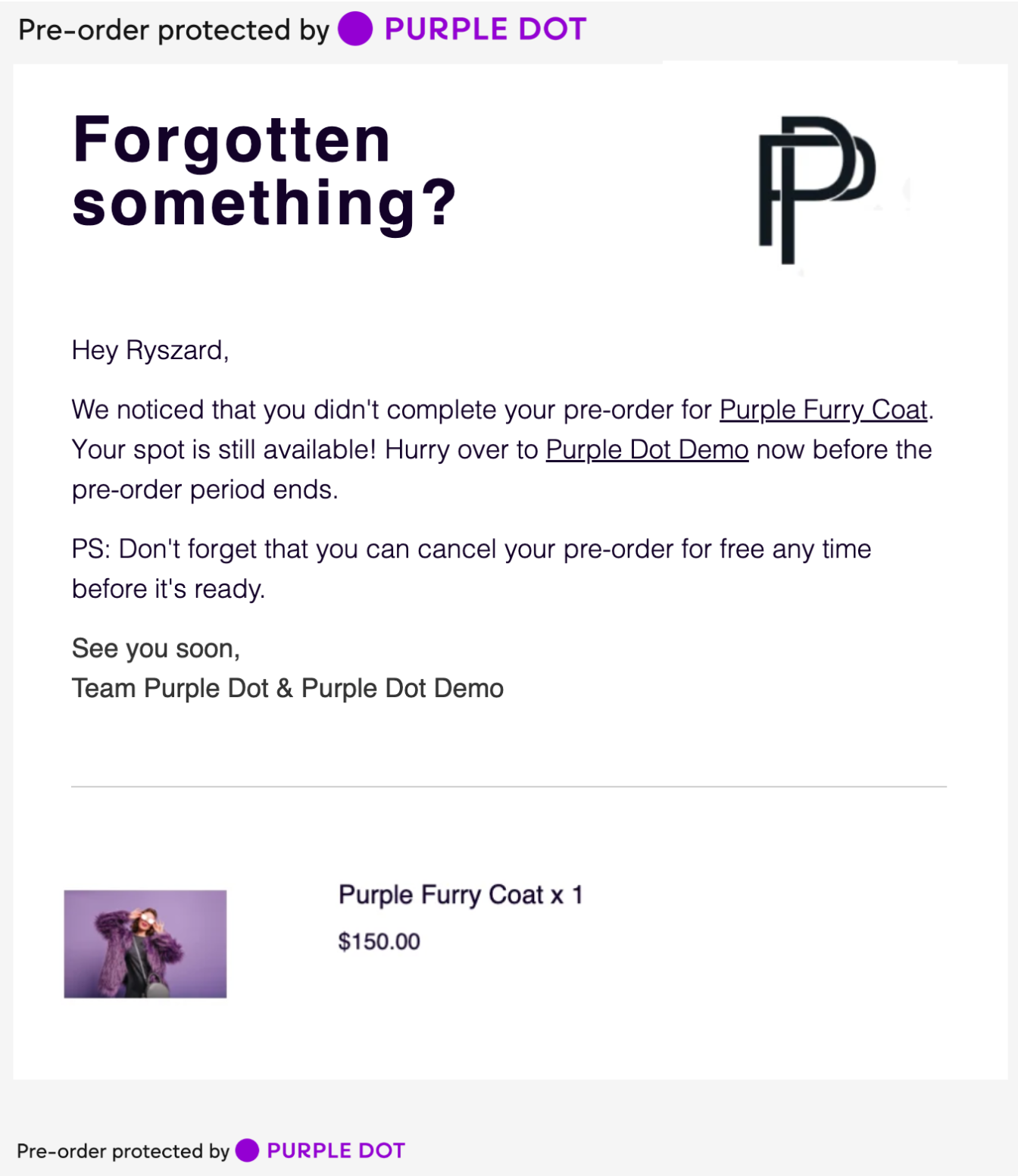
Pre-order Abandoned Cart Email #1
Optional: Yes
Trigger: A customer has abandoned their cart and at least 30 minutes have passed.
Subject: Forgotten something?
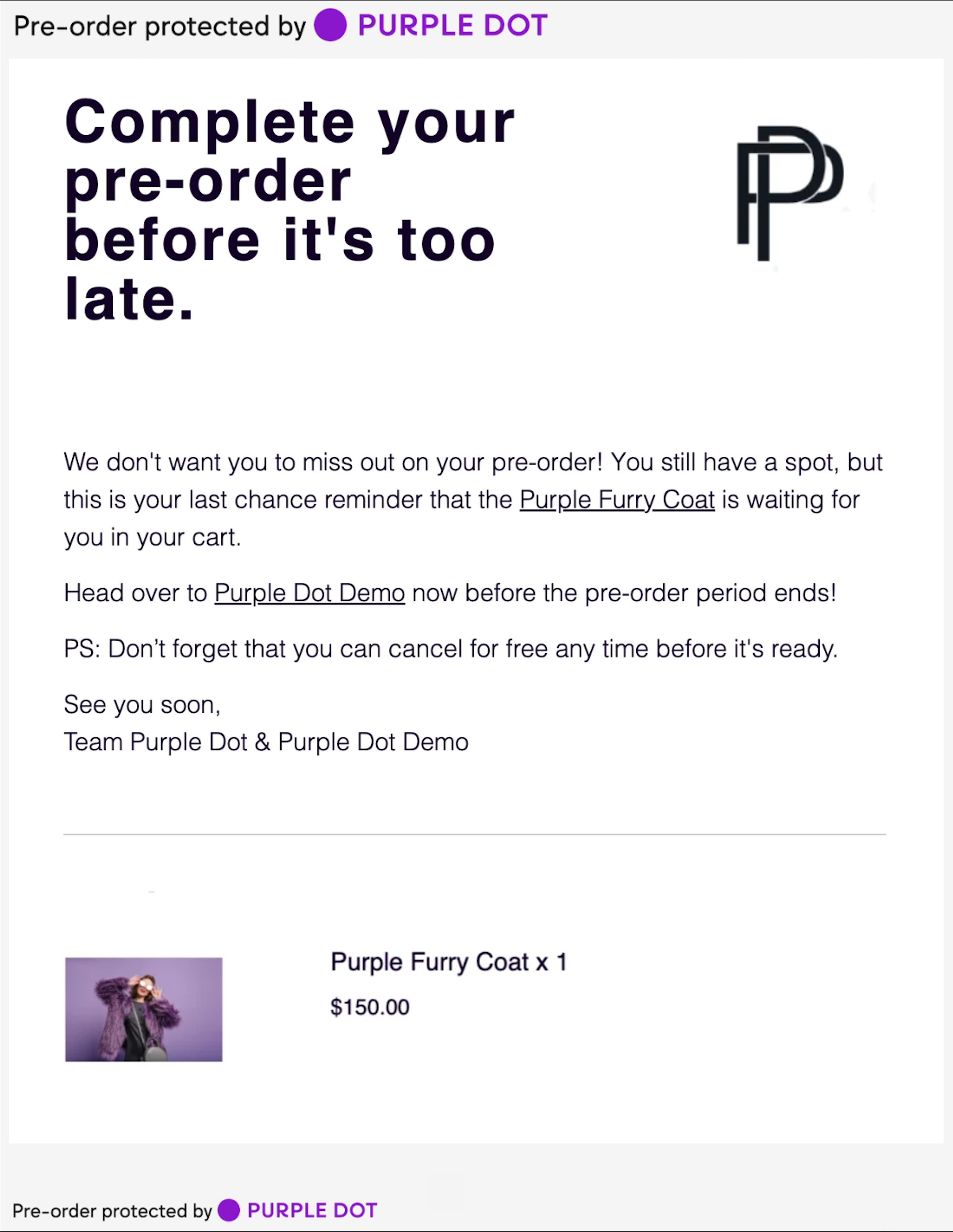
Pre-order Abandoned Cart Email #2
Optional: Yes
Trigger: 24 hours after the first abandoned cart, if the customer hasn't placed an order.
Subject: Last chance before your [Your brand name] pre-order expires!
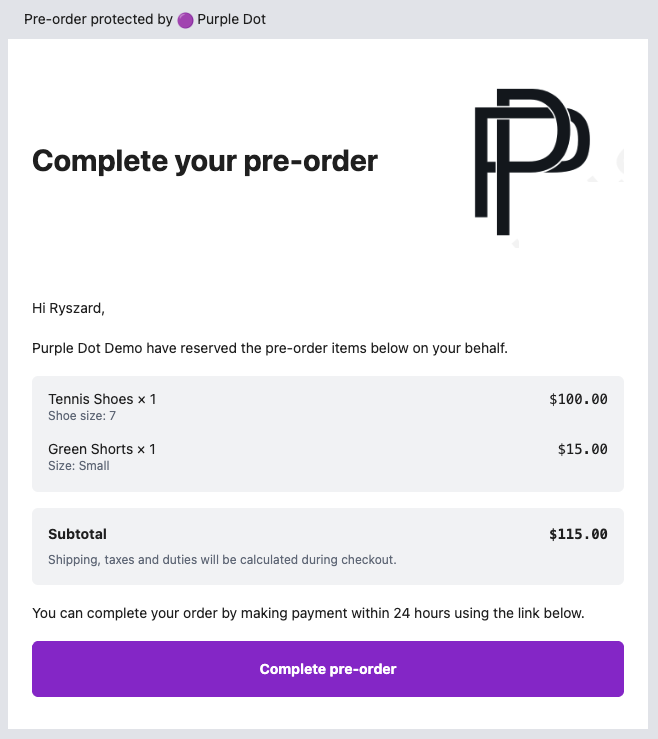
Complete Pre-order Email
Optional: No
Trigger: Purple Dot Merchant Portal was used to create a draft pre-order for this shopper
Subject: Complete your [Your brand name] pre-order
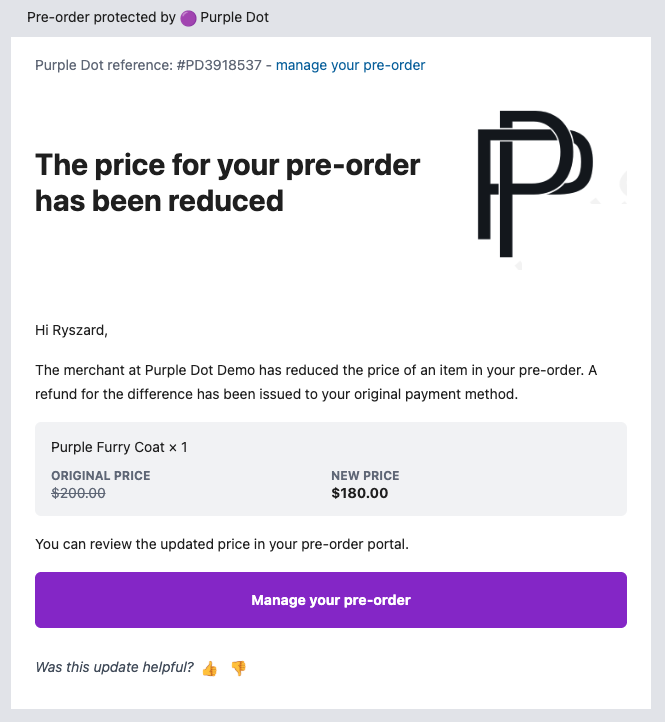
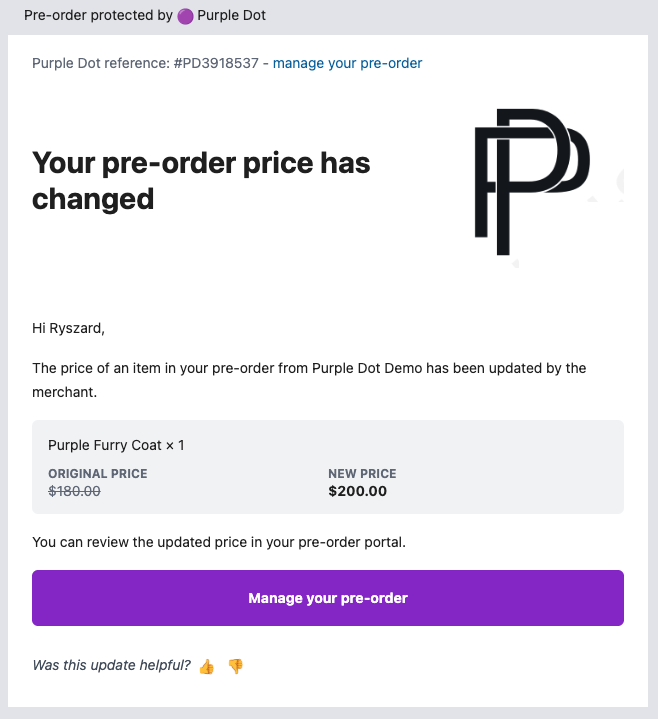
Pre-order price adjustment Email #1
Optional: No
Trigger: Purple Dot Merchant Portal was used to increase the price of some previously sold pre-order item
Subject: Your pre-order price has changed
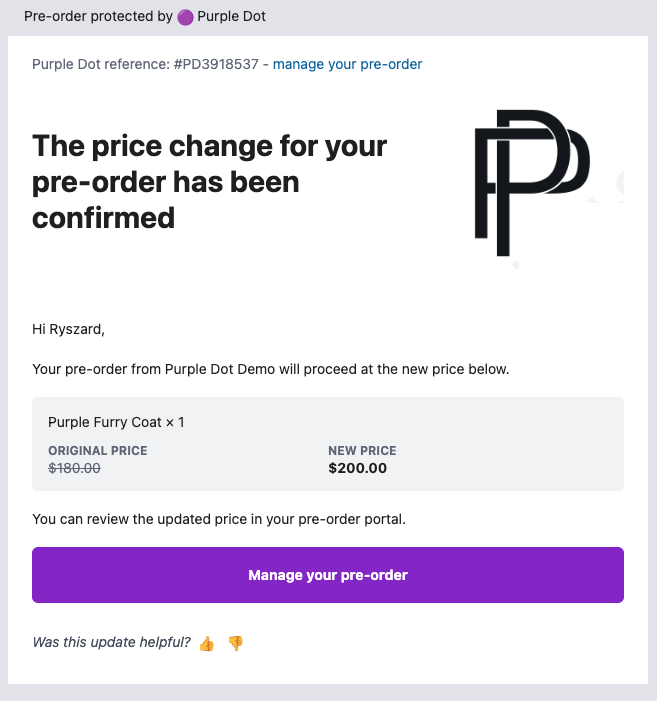
Pre-order price adjustment Email #2
Optional: No
Trigger: Shopper accepted the price increase
Subject: Price update confirmed for your pre-order #PD12345
Pre-order price adjustment Email #3
Optional: No
Trigger: Purple Dot Merchant Portal was used to decrease the price of some previously sold pre-order item
Subject: Price reduced for your pre-order #PD12345