
I want to connect Purple Dot with BrazeUpdated 5 months ago
In the Purple Dot Merchant Portal, open Settings → Integration.
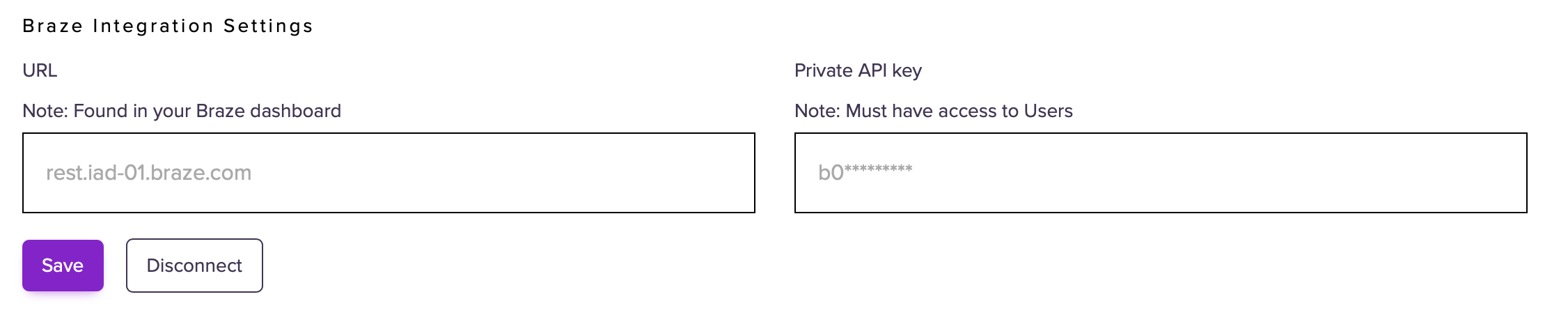
Scroll to Braze Integration Settings.
Enter the following and click Save:
URL – e.g.
rest.iad‑01.braze.comPrivate API Key – must have permission to write to users
Whenever a shopper successfully checks out with a Pre-order, Purple Dot will fire a pre_order_placed event to your Braze workspace, containing:
- Basic profile fields for marketing consent
- The preorder reference, total pre-order amount, and shipping information
- A purchase line for each line item of the pre-order
You can use this event in Braze to:
Trigger follow‑up marketing campaigns
Build segments of customers who have pre‑ordered specific SKUs