
Connect your bank accountUpdated 4 months ago
Go to the Finances tab on the left side of your dashboard and click 'Set up payouts'
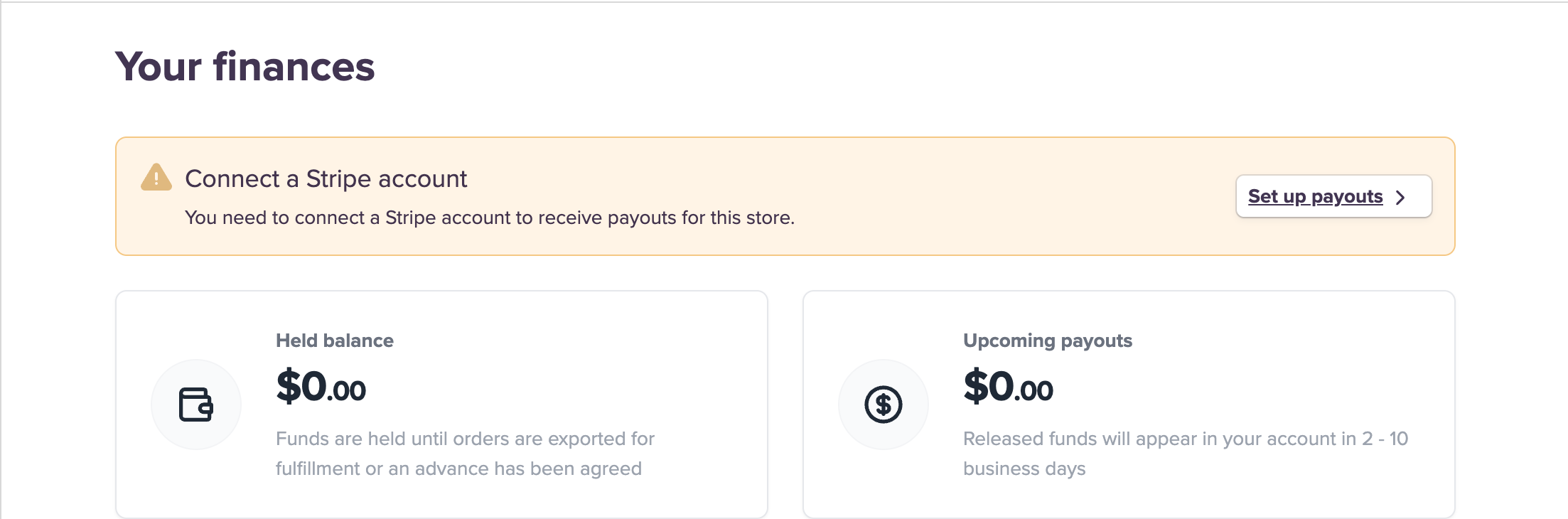
Stripe will then take you through an onboarding process to set up a Stripe Express connected account with Purple Dot, and link it to your bank account. (For more information on Stripe Express accounts, see the Stripe documentation.)
Once connected, we'll payout via our Stripe account to your brand's Stripe Express account, which then pays out to your linked bank account. For more details on how payouts work, please visit our Finance & Payments FAQ.